
Design, fly and log your rockets — together.
Rocket in Cloud runs the real OpenRocket in your browser and builds the rest of the mission around it: live teamwork on every design, a launch planner that flies your rocket in the real forecast, and a logbook that puts your flight data next to the prediction.
Runs in a modern browser on Windows, macOS, Linux and ChromeOS · Nothing to install
By signing in, you agree to the Terms of Service and the Privacy Policy
Everything between the first sketch and the recovered rocket.
Design with your team, find out where the rocket will land, and keep a record of how it really flew.
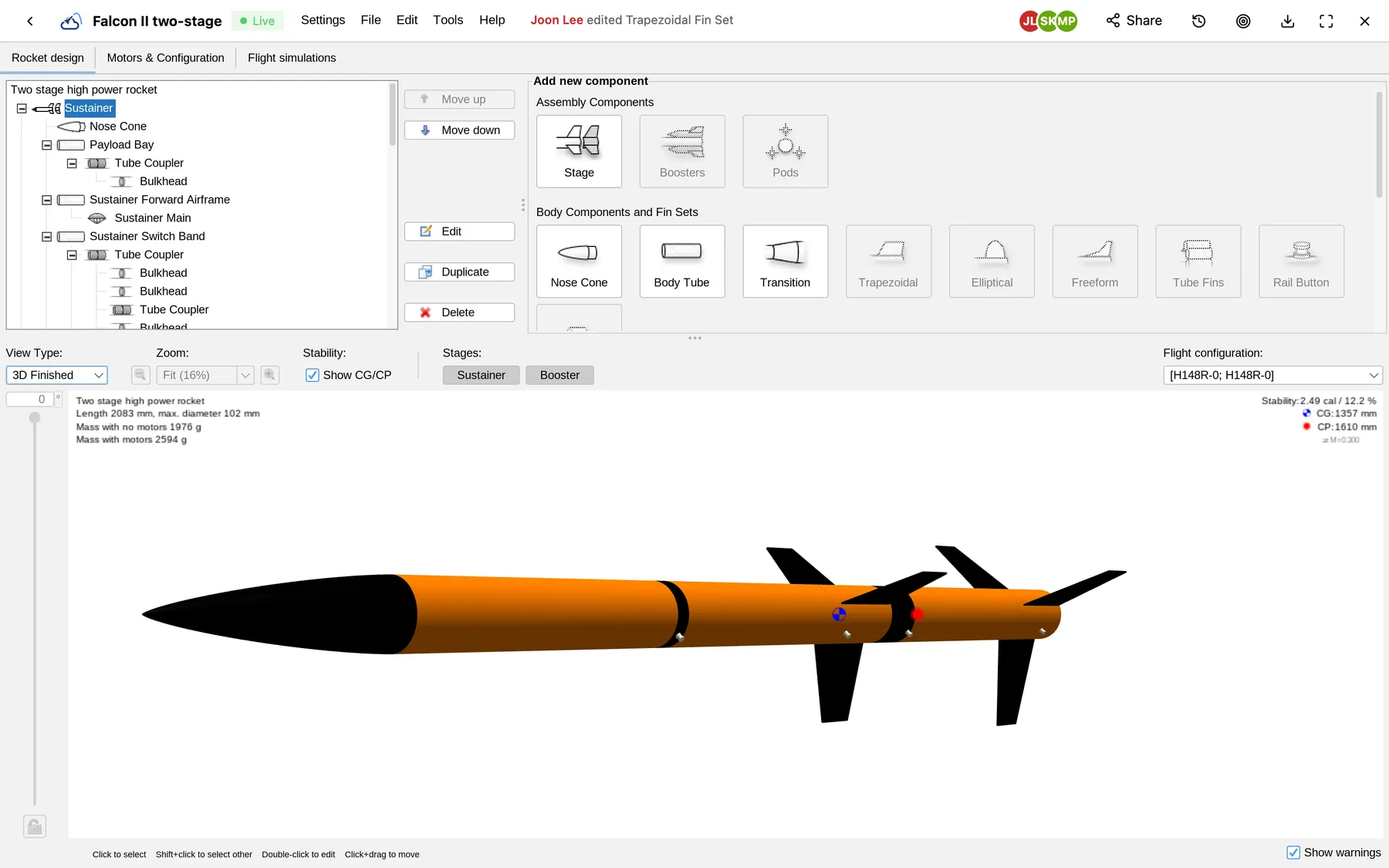
The OpenRocket you know, built for teams
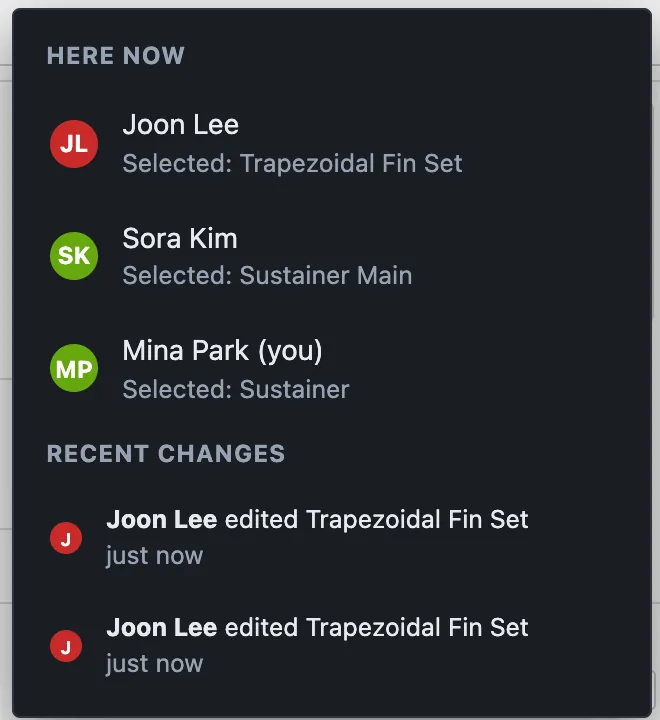
- Edit one design together, live
- Full edit history, with undo per person
- Recovery, ballast, flutter and 3D-printing tools
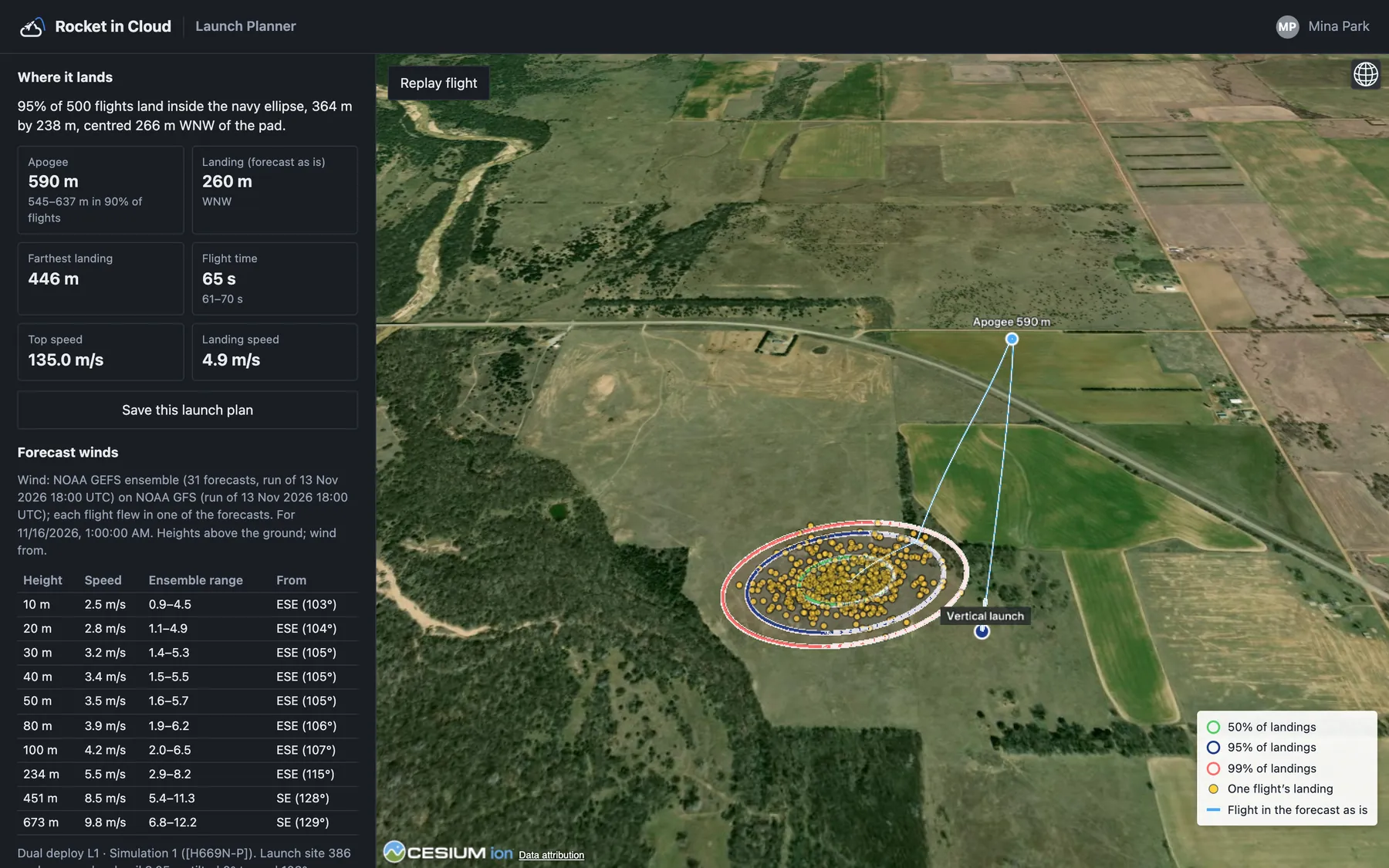
Know where it lands before you launch
- Your design flown 500 times in NOAA’s forecast
- 50, 95 and 99% landing areas on a satellite map
- Plan up to 16 days ahead, and save your plans
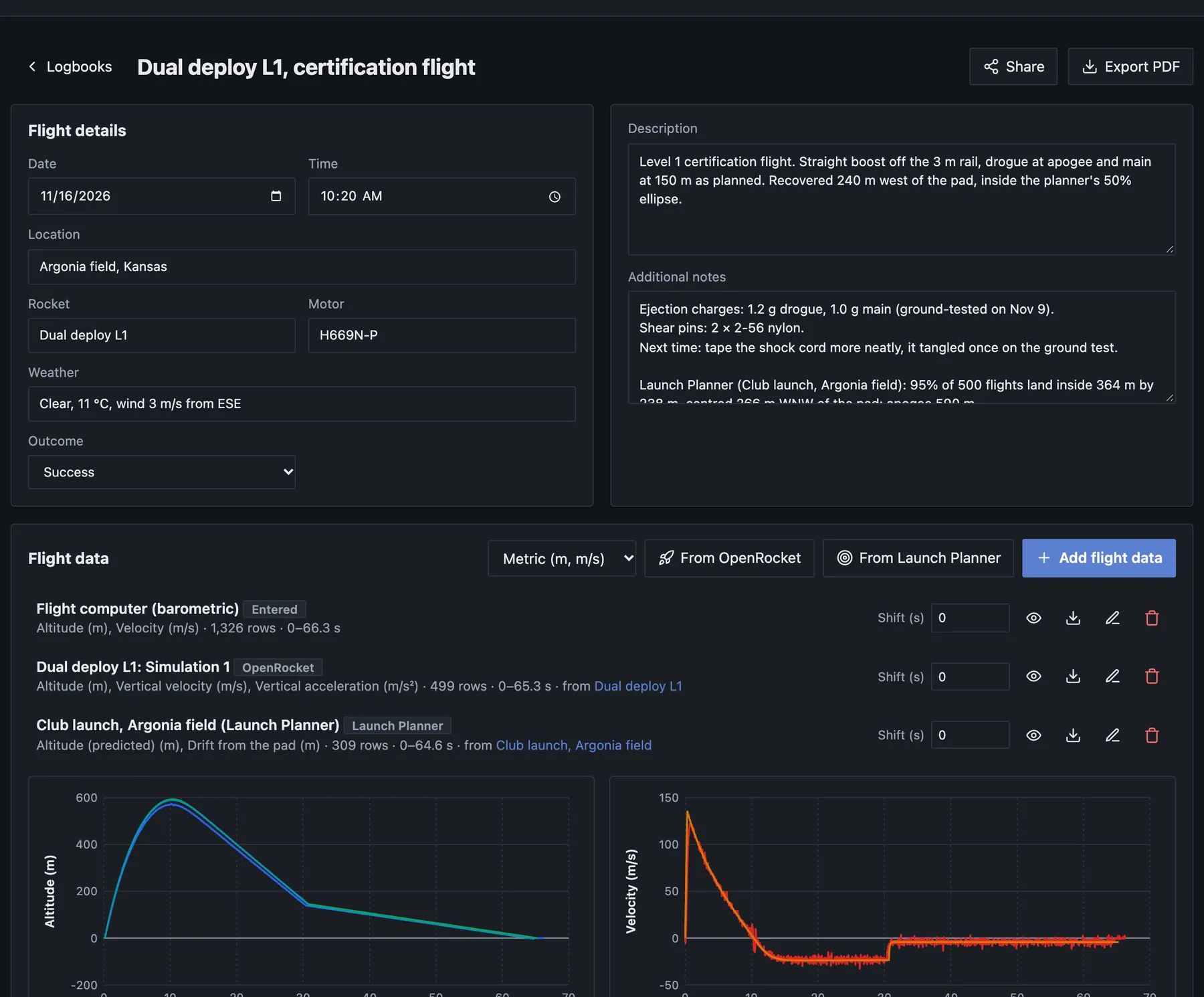
Every flight, on the record
- Altimeter data in a checked, fixed format
- Your flight, OpenRocket and the planner on one graph
- Photos, videos, sharing and PDF export
From design to recovery, in one place.
Each tool hands its work to the next: the planner flies your OpenRocket design, and the logbook brings in both predictions.
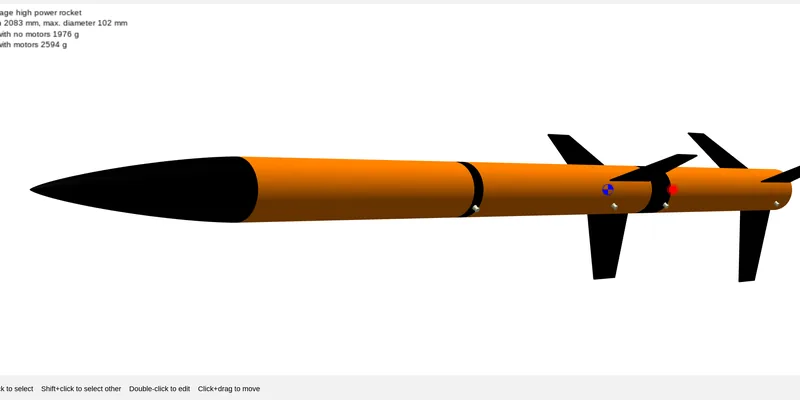
01 Design
Build and simulate in OpenRocket, with your team editing alongside you.
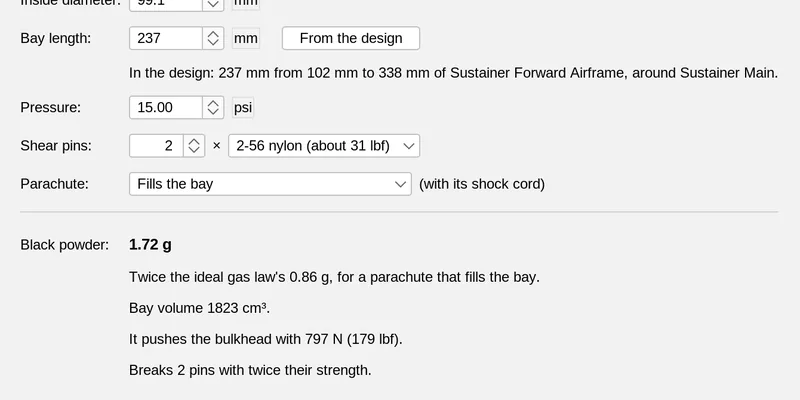
02 Check
Size the parachute and ejection charge, add nose weight, check the fins for flutter.
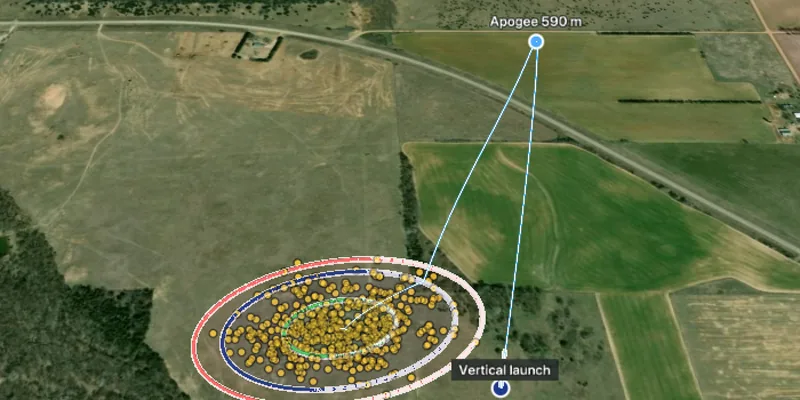
03 Plan
Fly it hundreds of times in the forecast for your field and see where it comes down.
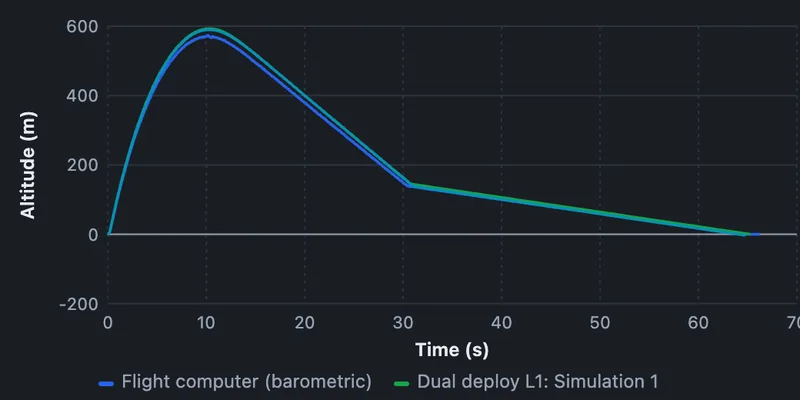
04 Log
Record the flight and lay your altimeter’s data over both predictions.
Serious numbers, made simple.
The Launch Planner flies OpenRocket’s own aerodynamics in NOAA’s forecast, fast enough to run hundreds of flights while you wait.
Your work stays yours. Your team stays in sync.
Share by email
Invite teammates with their Google account as “Can edit” or “Can view”. Viewers watch every change live without touching the design.
Private by design
Designs, motors, launch plans and logbooks are stored encrypted. Only you and the people you share with can open them.
Nothing gets lost
Saving is continuous, every change is in the history, and a saved copy is kept every 10 minutes while people edit.
Keep your files
Upload any .ork file and download it again at any time. It opens in desktop OpenRocket as usual.
Works on school computers
Nothing to install and no admin rights needed: OpenRocket runs right in the browser.
Free to use
Sign in with Google and start from one of OpenRocket’s example designs, or from your own.
Your next launch starts here.
Sign in with Google and open your first design in a minute — start from one of OpenRocket’s examples, or upload your own .ork file.
Free · Sign in with a Google account · Nothing to install